
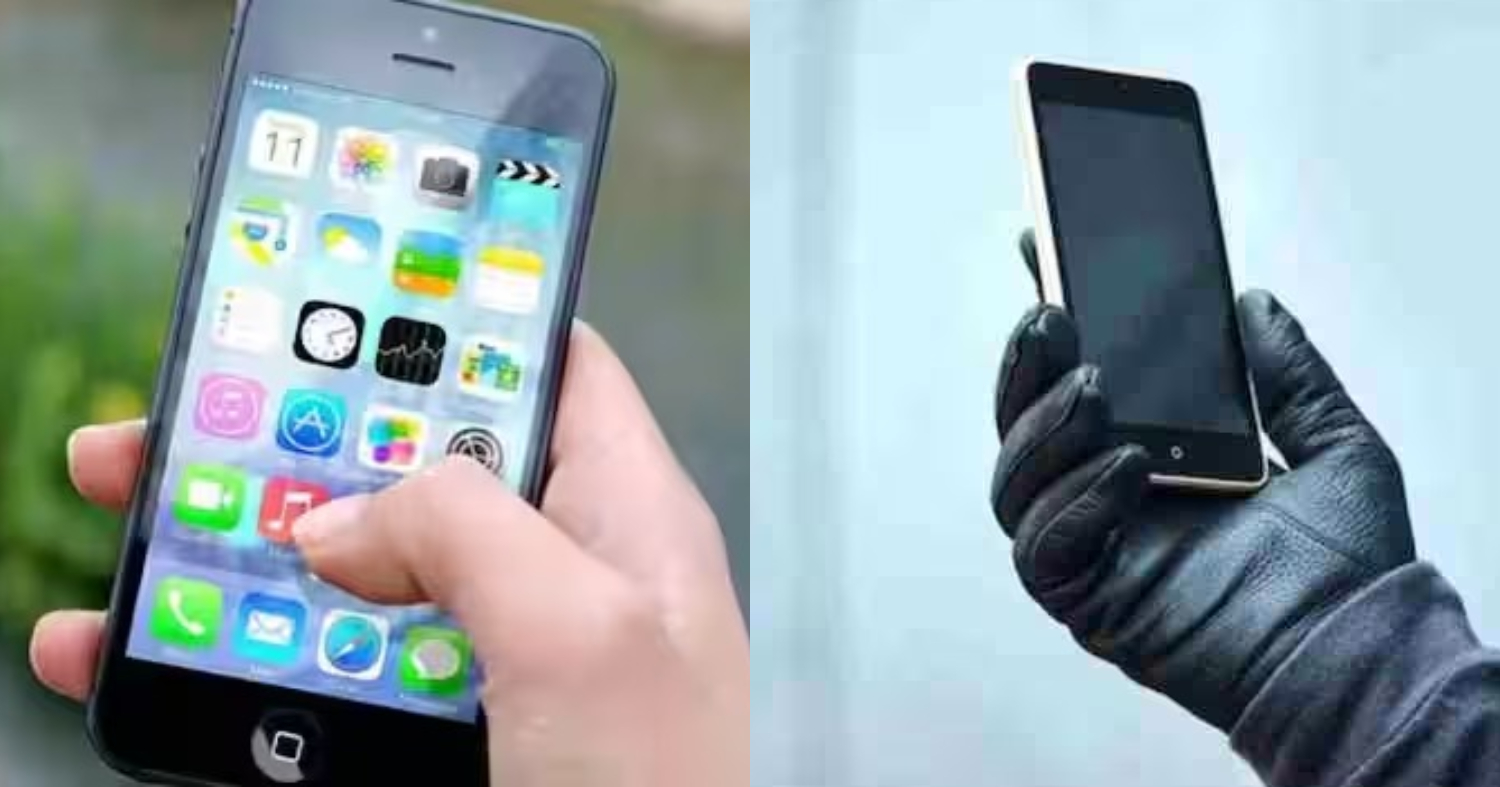
ഇനി ഒരിക്കലും നിങ്ങളുടെ ഫോൺ നഷ്ടപ്പെടില്ല; പുതിയ സംവിധാനം, ഫോൺ നഷ്ടപ്പെട്ടാൽ വന്നാൽ ഉടൻ തന്നെ ഇത് ചെയ്യൂ | How To Find A Lost Phone

How To Find A Lost Phone
How To Find A Lost Phone : നമ്മുടെ എല്ലാം ജീവിതത്തിന്റെ ഭാഗമായി മാറിയ ഒന്നാണ് മൊബൈൽ ഫോൺ. ഇന്നത്തെ കാലത്ത് മൊബൈൽ ഇല്ലാത്ത ഒരു ദിവസം പോയിട്ട് ഒരു മണിക്കൂർ പോലും നമുക്ക് ചിന്തിക്കാൻ കഴിയില്ല. അങ്ങനെ ഉള്ളപ്പോൾ മൊബൈൽ ഫോൺ നഷ്ടപ്പെട്ടാലോ? നമ്മൾ ആകെ വിഷമിച്ചു പോവും. എന്നാൽ ഇങ്ങനെ വിഷമിച്ച് ഇരിക്കാതെ നമ്മുടെ സർക്കാർ കൊണ്ടു വന്ന ഈ സൗകര്യം ഉപയോഗപ്പെടുത്തിയാൽ മൊബൈൽ ഫോൺ തിരികെ ലഭിക്കുന്നതാണ്.
- General safeguards
- Contact your carrier to suspend service or request a temporary block to prevent misuse.
- Change passwords for critical accounts (email, banking, social media) to prevent unauthorized access.
- If you believe the phone might be recovered by someone, leave a contact alternative and a reward note in a secure, non-sensitive way on the lock screen (avoid exposing personal data in case the device is found by others).
നമ്മുടെ മൊബൈൽ ഫോൺ കളഞ്ഞു പോയാൽ ആദ്യം തന്നെ അടുത്തുള്ള പോലീസ് സ്റ്റേഷനിൽ വിവരം അറിയിക്കുകയാണ് വേണ്ടത്. നമ്മുടെ ഫോൺ ഒരാൾ മോഷ്ടിച്ചത് ആണെങ്കിൽ അത് ലഭിക്കുന്ന വ്യക്തി നമ്മുടെ ഫോൺ ഉപയോഗിച്ച് എന്തെങ്കിലും കുറ്റകൃത്യം ചെയ്തു കഴിഞ്ഞാൽ നമ്മൾ ആയിരിക്കും കുടുങ്ങുക. അതു കൊണ്ടാണ് ഫോൺ നഷ്ടപ്പെട്ട വിവരം പോലീസ് സ്റ്റേഷനിൽ ഉടനെ തന്നെ അറിയിക്കണം എന്ന് പറയുന്നത്.
പോലീസ് സ്റ്റേഷനിൽ നിന്നും റിപ്പോർട്ട് ചെയ്തതിന്റെ റെസിപ്പ്റ്റും നമ്മൾ വാങ്ങി സൂക്ഷിക്കണം. അതിനു ശേഷം ടെലികമ്മ്യൂണിക്കേഷൻസ് ഡിപ്പാർട്മെന്റിന്റെ സി ഈ ഐ ർ വെബ്സൈറ്റിൽ കയറി നമ്മുടെ ഫോണിൽ ഡീറ്റെയിൽസ് വീഡിയോയിൽ കാണിക്കുന്നത് പോലെ നൽകിയിട്ട് ഫോൺ നഷ്ടപ്പെട്ട കംപ്ലയിന്റ് രജിസ്റ്റർ ചെയ്യുക.
ഇങ്ങനെ ചെയ്തു കഴിഞ്ഞാൽ നഷ്ടമായ ഫോൺ ലഭിക്കാനുള്ള സാധ്യത വളരെ കൂടുതൽ ആണ്. ഇന്ത്യ മുഴുവനും ലഭ്യമായ സർവീസ് ആണ് ഇത്. ഇങ്ങനെ ചെയ്യുന്നതിലൂടെ തീർച്ചയായും നമ്മുടെ ഫോൺ മറ്റൊരാൾക്ക് ഉപയോഗിക്കാൻ കഴിയില്ല. അങ്ങനെ ഉപയോഗിക്കാൻ ആരെങ്കിലും ശ്രമിച്ചു കഴിഞ്ഞാൽ നമ്മുടെ ഫോൺ ബ്ലോക്ക് ആവുകയും വിവരം പോലീസിന് ലഭിക്കുകയും ചെയ്യുന്നതാണ്. ഈ സംവിധാനം ഉപയോഗിച്ചിട്ട് പലർക്കും അവരുടെ നഷ്ടമായ ഫോൺ തിരികെ ലഭിച്ചിട്ടുണ്ട്. How To Find A Lost Phone Video Credit : Knowledge Street Malayalam
Here’s a practical guide to find a lost phone, with steps you can follow right away.
- What you’ll need
- A second device or computer with internet access
- Access to your Google account (for Android) or Apple ID (for iPhone)
- If you have an Android phone
- Use Google Find My Device (Find Hub)
- Open a browser and go to the Find My Device page (https://android.com/find) and sign in with the Google account linked to your phone.
- Select your lost device to see its last known location on a map.
- If the phone is nearby, use Play Sound to make it ring at full volume for five minutes, even if it’s on silent.
- If you’re sure it’s lost or stolen, choose Secure Device to lock it remotely with a new PIN and display a message with contact info.
- If you can’t recover it, you can Erase Device to wipe data (note: you won’t be able to track it afterward).
- Additional tips
- Check the device’s location history if available (some devices offer “Last known location” even when offline for a period after the battery dies).
- If you used any device-tracking features (e.g., Family Link, offline finding), enable them or check their dashboards for any last signals.
- Notify local authorities if you believe the device was stolen, and provide the IMEI number if you have it.
- If you have an iPhone
- Use Find My iPhone via iCloud
- On another iPhone, iPad, or computer, go to iCloud.com/find or use the Find My app and sign in with your Apple ID.
- Select your lost device to view its location on a map.
- Use Play Sound to ring the phone, even if it’s on silent.
- Enable Lost Mode to lock the device and display a message with a contact number.
- If recovery isn’t possible, Erase iPhone to wipe data, understanding you’ll lose the ability to track it afterward.
- Additional tips
- If location services were disabled, you might still see the last known location if the device was online recently.
- Contact your carrier to suspend service if the device is not recovered to prevent fraudulent use.
